4 Best AI Tools for AR Game Development
Explore the 4 best AI tools for building engaging augmented reality games that blend the real and virtual worlds.
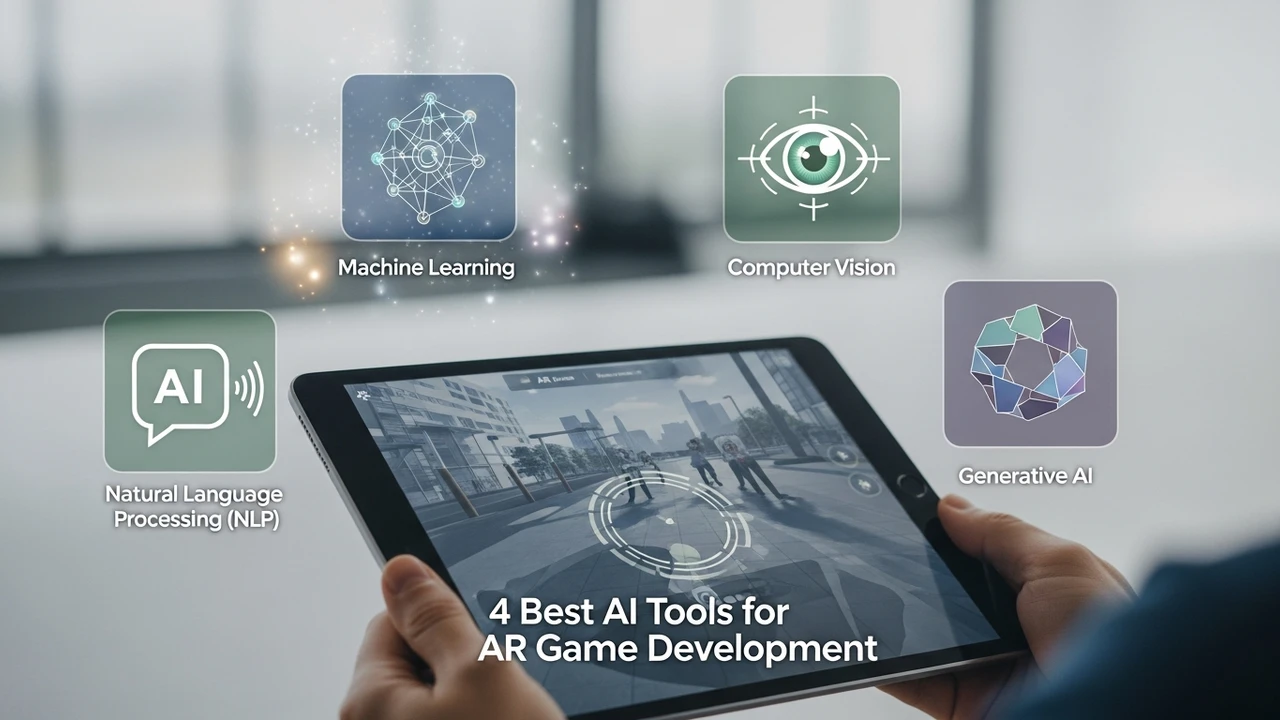
4 Best AI Tools for AR Game Development
Explore the 4 best AI tools for building engaging augmented reality games that blend the real and virtual worlds.
Understanding the Role of AI in AR Game Development
Augmented Reality (AR) is no longer just about placing a digital object on a table. It is about creating a seamless bridge between the physical environment and digital assets. As developers, we are constantly looking for ways to make these experiences more responsive, intelligent, and visually stunning. This is where AI steps in. By leveraging machine learning and computer vision, we can now automate complex tasks like spatial mapping, object recognition, and even real-time lighting adjustments. If you are building for the US or Southeast Asian markets, where mobile hardware varies significantly, these tools are your best friends for optimization and creativity.
1 Unity Muse for Rapid AR Prototyping
Unity Muse is a game-changer for anyone working in the Unity ecosystem. It is essentially an AI-powered suite that helps you generate textures, sprites, and even code snippets directly within the editor. For AR developers, the real magic lies in its ability to quickly iterate on 3D assets that need to look good in various lighting conditions. Whether you are building a location-based game or a tabletop AR experience, Muse helps you cut down the time spent on manual asset creation.
Use Case: Perfect for indie studios needing to populate an AR world with high-quality 3D models without hiring a massive art team.
Pricing: Subscription-based, typically starting around $30/month.
2 Niantic Lightship ARDK with AI Integration
You cannot talk about AR without mentioning Niantic. Their Lightship ARDK is the backbone of many successful AR titles. What makes it stand out is its advanced AI-driven semantic segmentation. It understands what is a tree, what is the sky, and what is the ground. This allows your game to interact with the real world in ways that feel natural. For instance, a virtual character can hide behind a real-world tree because the AI understands depth and occlusion.
Comparison: Unlike generic tools, Lightship is built specifically for large-scale, outdoor AR experiences. It is more robust than standard ARKit or ARCore implementations when it comes to environmental understanding.
Pricing: Free tier available for small projects, with enterprise pricing based on usage.
3 NVIDIA Maxine for Real Time AR Effects
NVIDIA Maxine is a powerhouse for developers who want to integrate high-end AI features like body tracking, gesture recognition, and background removal into their AR apps. If you are building a social AR game where players interact with virtual avatars, Maxine provides the low-latency performance needed to make those interactions feel real. It is particularly useful for mobile AR games that require high-fidelity character movement without draining the battery.
Use Case: Ideal for developers creating interactive social AR experiences where user movement is the primary input.
Pricing: Developer access is generally free, with cloud-based API costs depending on scale.
4 DeepMotion for AI Driven AR Character Animation
One of the biggest hurdles in AR is making virtual characters move like they belong in the real world. DeepMotion uses AI to turn simple video footage into 3D animations. You can record yourself performing an action, and the AI maps that motion onto your 3D character. This is incredibly useful for AR games where you want characters to react to the player's physical presence.
Comparison: While other tools require expensive motion capture suits, DeepMotion only needs a camera. It is the most accessible way to get professional-grade animation for your AR project.
Pricing: Freemium model, with professional plans starting at $20/month.
Choosing the Right AI Stack for Your AR Project
When you are deciding which tool to pick, think about your target audience. If you are targeting the Southeast Asian market, where mid-range mobile devices are common, prioritize tools like Niantic Lightship that offer excellent optimization. If you are focusing on high-end visual fidelity for the US market, Unity Muse and NVIDIA Maxine will give you that competitive edge. Don't be afraid to mix and match these tools; the best AR experiences are often built by combining the spatial intelligence of Lightship with the creative speed of Unity Muse.
:max_bytes(150000):strip_icc()/277019-baked-pork-chops-with-cream-of-mushroom-soup-DDMFS-beauty-4x3-BG-7505-5762b731cf30447d9cbbbbbf387beafa.jpg)