4 Best AI Tools for Game VFX Creation
Explore the 4 best AI-powered visual effects tools to create stunning particle systems and environmental effects for your game.
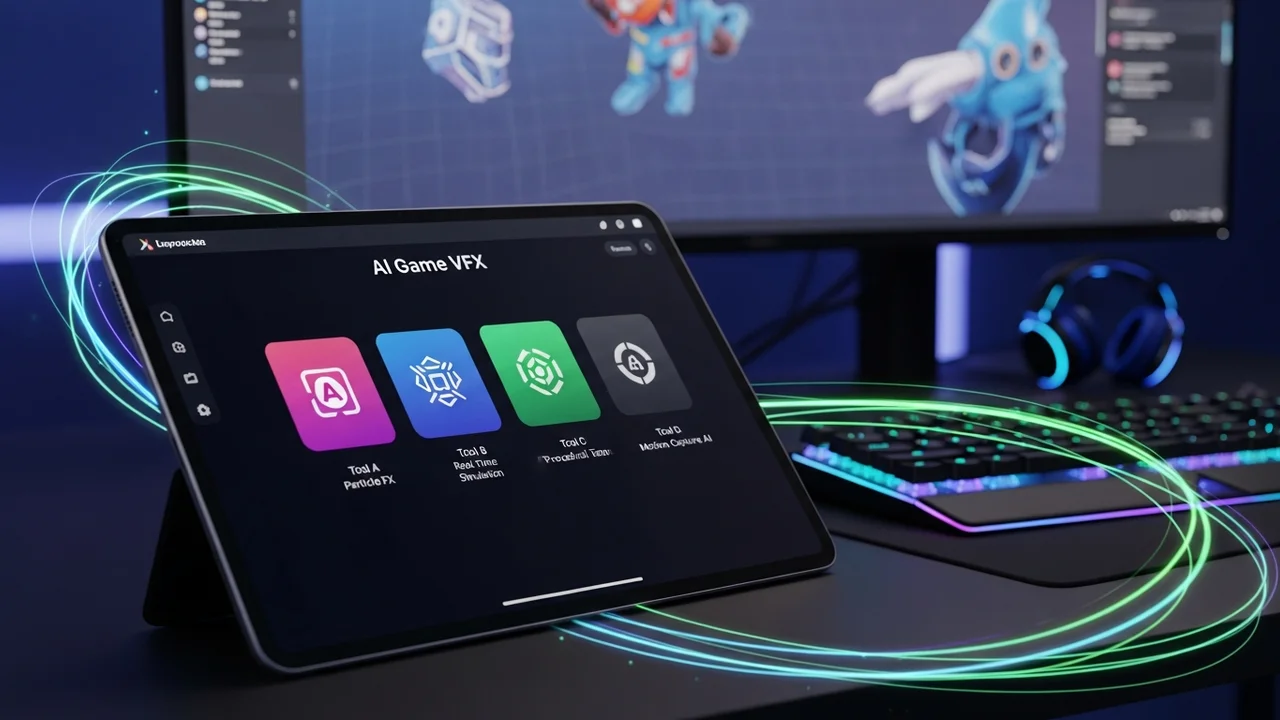
4 Best AI Tools for Game VFX Creation
Explore the 4 best AI-powered visual effects tools to create stunning particle systems and environmental effects for your game.
Let’s be real for a second—creating high-end visual effects (VFX) for games is usually a massive headache. You’re juggling particle systems, fluid simulations, and shader graphs, and if you’re an indie dev, you probably don’t have a dedicated VFX artist on speed dial. That’s where AI is starting to change the game. Instead of spending weeks tweaking individual particles, we’re now seeing tools that can generate textures, simulate complex physics, and even build entire effect systems from simple text prompts or reference images. If you want your game to look like a AAA title without the AAA budget, you need to get familiar with these tools.
AI Powered Particle System Generation and Simulation
When we talk about AI in VFX, we’re mostly looking at how to automate the tedious parts of the pipeline. Traditional VFX workflows require you to manually keyframe every explosion or magic spell. AI tools are shifting this by allowing you to define the 'behavior' of an effect rather than the exact position of every pixel. For instance, tools like Kaedim or specialized plugins for Unity and Unreal Engine are now using machine learning to predict how smoke should dissipate or how fire should flicker based on the environment's lighting. This isn't just about making things look pretty; it's about making them look 'correct' in real-time.
Top 4 AI Tools for Game VFX Creation
If you are looking to upgrade your visual fidelity, here are the four tools that are currently leading the pack. Each of these serves a slightly different purpose, so you might find yourself using a combination of them depending on your project needs.
1. Cascadeur for Physics Based Animation and VFX
Cascadeur is a beast when it comes to character-based VFX. While it’s primarily an animation tool, its AI-assisted physics engine is incredible for creating secondary motion effects—like a character’s cape flowing in the wind or debris reacting to a heavy impact. It uses deep learning to ensure that your animations follow physical laws, which makes your VFX feel grounded and heavy. It’s perfect for action-heavy games where the impact of a hit needs to feel visceral.
2. Stable Diffusion with ControlNet for Texture and Sprite Sheets
You might know Stable Diffusion for making cool AI art, but it’s actually a secret weapon for VFX artists. By using ControlNet, you can generate consistent, high-quality sprite sheets for 2D effects like explosions, lightning, or magical auras. You can feed it a rough sketch of an effect, and it will output a perfectly tiled sprite sheet that you can drop straight into your game engine. It saves hours of drawing frame-by-frame animations.
3. NVIDIA Omniverse Audio2Face and VFX Integration
If your game relies on cinematic storytelling, NVIDIA’s Omniverse is a game-changer. It uses AI to sync facial expressions and environmental reactions to audio. For VFX, this means you can have environmental effects—like sparks flying or lights flickering—react dynamically to the soundscape of your game. It’s a bit more technical to set up, but the level of immersion it provides is unmatched.
4. Unity Muse and Unreal Engine AI Plugins
Both major engines are integrating AI directly into their workflows. Unity Muse, for example, allows you to generate textures and simple 3D assets via text prompts, which you can then use as the base for your particle systems. Unreal Engine’s ecosystem is filled with AI-driven plugins that can automate the creation of complex shaders, allowing you to create 'smart' materials that change based on player proximity or game state.
Comparing AI VFX Tools and Pricing Models
Choosing the right tool depends on your budget and your engine of choice. Cascadeur offers a free version for individuals, which is great for testing, while their Pro version sits around $300 per year. Stable Diffusion is technically free if you run it locally on your own GPU, though you’ll need a decent graphics card to get fast results. NVIDIA Omniverse is free for individual creators, making it a fantastic entry point for high-end VFX. Unity Muse is currently part of the Unity subscription ecosystem, usually costing around $30 per month. When you compare these, think about your workflow—do you need 2D sprite sheets or 3D physics-based motion? That’s the biggest factor in your decision.
Practical Use Cases for AI VFX in Indie Development
Imagine you’re building a fantasy RPG. You need a 'fireball' spell. Instead of hiring an artist to draw it, you use Stable Diffusion to generate the base textures for the fire. Then, you use a particle system in Unity, but instead of manually setting the gravity and velocity, you use an AI plugin to analyze the 'feel' of the spell and automatically adjust the particle behavior to make it look more aggressive. Finally, you use Cascadeur to ensure the character’s hand movement during the cast matches the intensity of the effect. You’ve just created a high-quality VFX sequence in a fraction of the time it would have taken a traditional team. This is the future of indie development—using AI to punch above your weight class and deliver experiences that players will actually remember.
:max_bytes(150000):strip_icc()/277019-baked-pork-chops-with-cream-of-mushroom-soup-DDMFS-beauty-4x3-BG-7505-5762b731cf30447d9cbbbbbf387beafa.jpg)