3 Best AI Tools for VR Sound Design
Compare the 3 best AI tools for creating spatial audio and immersive soundscapes in virtual reality.
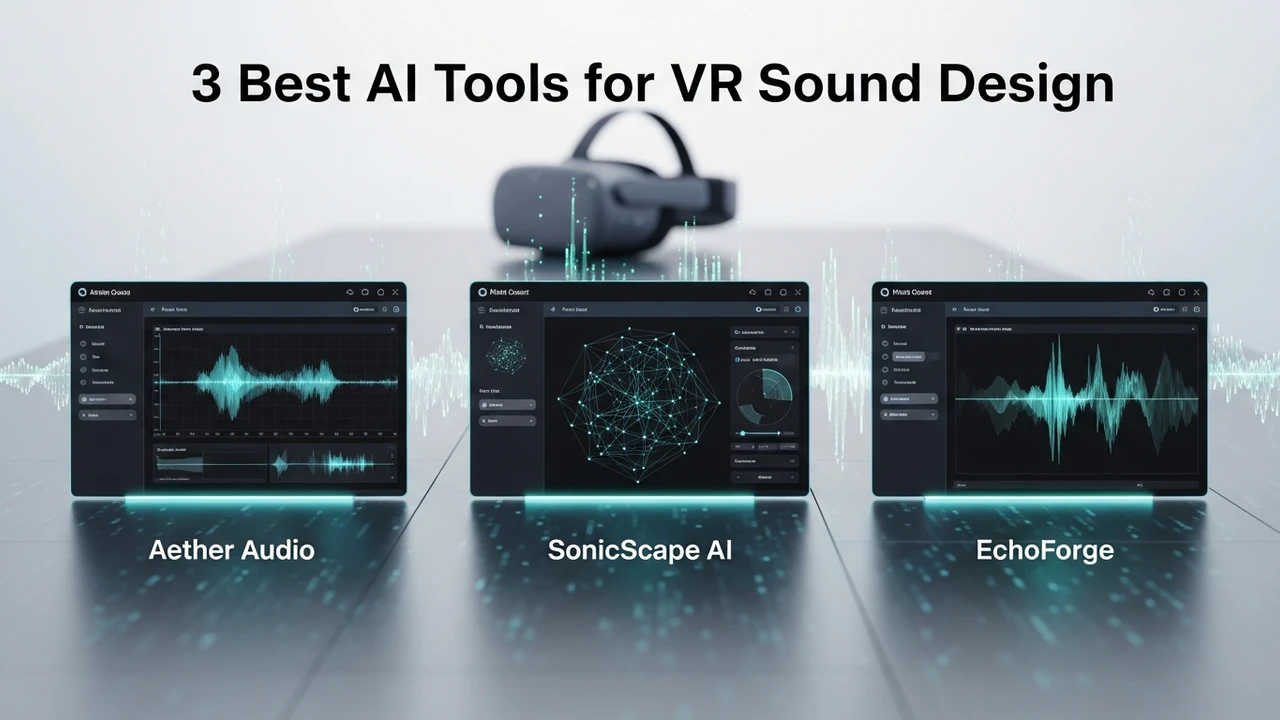
3 Best AI Tools for VR Sound Design
Compare the 3 best AI tools for creating spatial audio and immersive soundscapes in virtual reality.
Why Spatial Audio Matters in VR Development
If you have ever put on a VR headset, you know that visuals are only half the battle. The real magic happens when the sound wraps around you, telling your brain exactly where a threat is lurking or where a waterfall is flowing. In the world of VR, sound design isn't just about background music; it is about spatial awareness. Traditional audio production is time-consuming, but with the rise of AI, developers can now generate complex, 3D-aware soundscapes in a fraction of the time. Whether you are building a horror game or a relaxing meditation app, getting the audio right is non-negotiable.
Top AI Tools for VR Sound Design and Spatial Audio
Finding the right software can be overwhelming, so let's break down the top three contenders that are currently changing the game for indie and professional studios alike.
1. AudioShake for Intelligent Stem Separation
AudioShake is a powerhouse when it comes to deconstructing existing audio files. For VR developers, this is a game-changer because it allows you to take a flat, stereo track and turn it into individual stems that can be placed in a 3D environment. Imagine taking a classic ambient track and isolating the birds, the wind, and the rustling leaves so you can position them at different coordinates in your VR world. It is incredibly intuitive and saves hours of manual editing.
Use Case: Perfect for retrofitting existing assets into a 3D space or cleaning up noisy field recordings for VR environments.
Pricing: Offers a tiered model starting from a free trial, with professional licenses scaling based on usage, typically starting around $50 per month for indie creators.
2. Replica Studios for AI Voice and Environmental Dialogue
While often known for voice acting, Replica Studios has become essential for VR sound design because of its ability to generate localized, spatialized dialogue. In VR, characters need to sound like they are standing right next to you. Replica allows you to generate high-fidelity voices that can be easily integrated into game engines like Unity or Unreal. The AI handles the emotional inflection, which is crucial for maintaining immersion in a virtual space.
Use Case: Best for populating your VR world with NPCs that sound natural and react to the player's position in the room.
Pricing: Features a pay-as-you-go model, making it very accessible for small teams. You can start for free, with pro features costing roughly $24 per month.
3. Soundraw for Adaptive AI Music Generation
Soundraw is the go-to for developers who need music that changes based on the player's actions. In VR, if a player enters a combat zone, the music needs to shift instantly. Soundraw uses AI to generate royalty-free music that you can customize in real-time. You can adjust the tempo, the mood, and the length, ensuring that the soundtrack never feels repetitive or out of sync with the player's movement.
Use Case: Ideal for dynamic, adaptive soundtracks that respond to player behavior in open-world VR games.
Pricing: Subscription-based, usually around $16.99 per month for unlimited downloads and full commercial rights.
Comparing AI Sound Tools for VR Performance
When you look at these three, the choice really comes down to your specific needs. AudioShake is your best friend for environmental soundscapes and asset manipulation. If you are focusing on character interaction, Replica Studios is the clear winner. For those who need a reactive, emotional score, Soundraw is the most efficient path. Unlike traditional plugins that require a degree in audio engineering, these tools are designed for developers who want to focus on the experience rather than the technical hurdles of mixing. They all integrate well with standard middleware like Wwise or FMOD, which is a huge plus for anyone working in professional VR pipelines.
Integrating AI Audio into Your VR Workflow
The beauty of these tools is that they don't replace the sound designer; they act as a force multiplier. By automating the tedious parts of the process—like separating stems or generating basic loops—you free up your time to focus on the creative placement of sounds. Remember, in VR, the goal is presence. If the sound doesn't match the visual depth, the player will feel it immediately. Use these tools to experiment with different spatial configurations, and don't be afraid to layer AI-generated sounds with your own custom recordings to get that perfect, unique atmosphere that defines your project.
:max_bytes(150000):strip_icc()/277019-baked-pork-chops-with-cream-of-mushroom-soup-DDMFS-beauty-4x3-BG-7505-5762b731cf30447d9cbbbbbf387beafa.jpg)