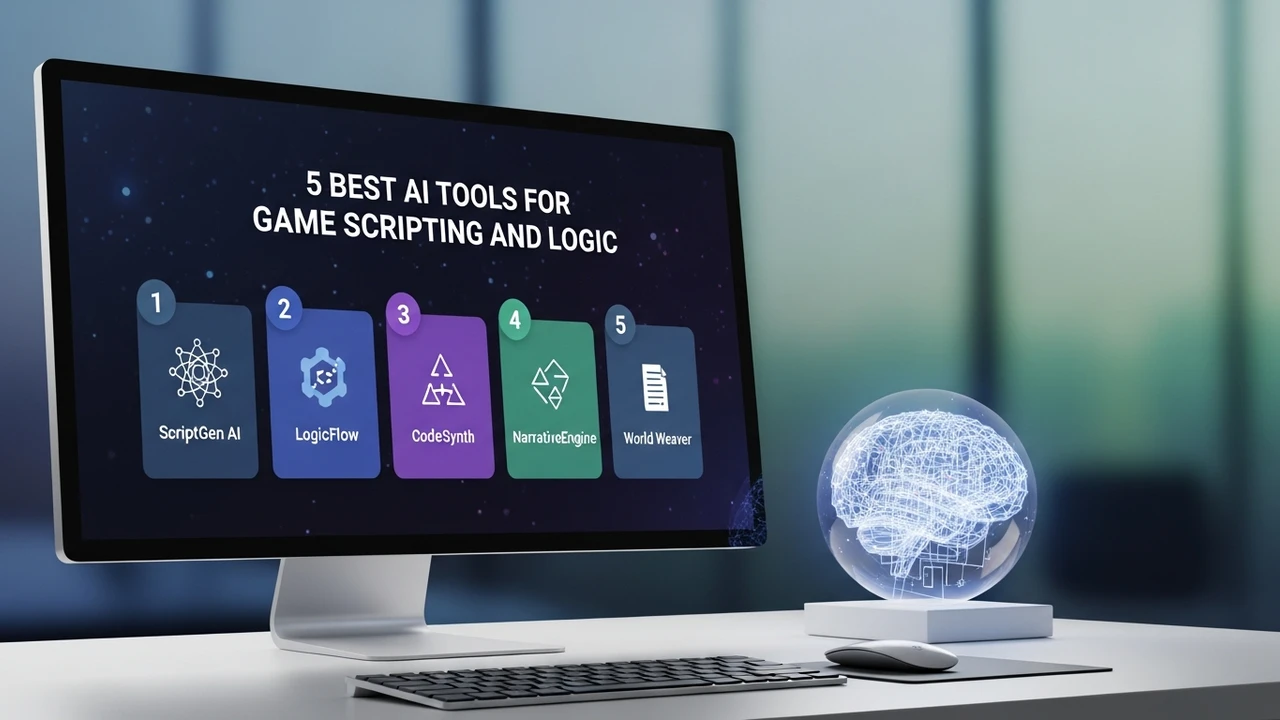
5 Best AI Tools for Game Scripting and Logic
Review the 5 best AI tools that assist in writing game logic and complex event scripting for interactive entertainment.
Review the 5 best AI tools that assist in writing game logic and complex event scripting for interactive entertainment.
5 Best AI Tools for Game Scripting and Logic
If you have ever spent hours staring at a wall of spaghetti code trying to figure out why your NPC won't trigger a dialogue sequence, you know the pain of game scripting. It is the backbone of interactive entertainment, yet it is often the most tedious part of development. Luckily, the landscape is changing. We are seeing a massive shift toward AI-assisted development, where smart tools handle the heavy lifting of logic flow, event triggers, and state management. Whether you are a solo indie dev or part of a larger studio, integrating AI into your scripting workflow can save you hundreds of hours. Let’s dive into the top five tools that are currently redefining how we write game logic.
AI Coding Assistants for Game Logic Automation
The first category of tools focuses on direct code generation and logic structure. GitHub Copilot is arguably the king here. It is not just a generic chatbot; it is trained on billions of lines of code, including massive repositories of C# for Unity and C++ for Unreal Engine. When you start typing a function for a quest trigger, Copilot predicts the next lines with uncanny accuracy. It understands the context of your game engine, meaning it knows how to call specific APIs like OnTriggerEnter or BeginPlay without you needing to look up the documentation every five minutes.
Another heavy hitter is Cursor. Unlike standard IDEs, Cursor is an AI-native code editor. It allows you to highlight a block of complex logic and ask the AI to refactor it for better performance or to add a new condition. For example, if you have a complex state machine for an enemy AI, you can simply tell Cursor, "Add a 'flee' state when health drops below 20%," and it will generate the necessary logic, update your enums, and even suggest where to hook it into your existing update loop.
Visual Scripting and AI Logic Flow Tools
Not everyone wants to write raw code, and that is where visual scripting AI comes in. Tools like Inworld AI are changing the game for narrative-heavy projects. Instead of writing thousands of lines of conditional logic for dialogue trees, you define the character's personality and goals in natural language. The AI then handles the logic of how that character responds to the player. It is essentially "scripting by personality." You set the parameters, and the AI manages the event triggers based on the player's input, making your game world feel alive without you having to hard-code every single interaction.
Comparing Top AI Scripting Solutions
When choosing between these tools, it comes down to your specific needs. GitHub Copilot is best for developers who are comfortable in an IDE and want a speed boost for standard scripting tasks. It costs around $10 per month for individuals. Cursor offers a more integrated experience, acting as your entire development environment, with a free tier and a $20 pro plan. Inworld AI is a different beast entirely; it is a platform for character intelligence, and while it has a generous free tier for prototyping, scaling it for a commercial game involves enterprise pricing based on usage.
If you are working in Unreal Engine, you might also look at specialized plugins that integrate LLMs directly into the Blueprint system. These tools allow you to describe a logic flow in plain English, and the AI generates the node graph for you. This is a massive time-saver for designers who have the vision but struggle with the technical implementation of complex event systems.
Practical Use Cases for AI Scripting
Imagine you are building a survival game. You need a system that manages hunger, thirst, and temperature. Instead of manually writing the logic for each, you can use an AI assistant to generate the base class. You tell the AI, "Create a C# script for a survival manager that tracks three variables, updates them over time, and triggers a 'death' event when any reach zero." Within seconds, you have a functional script. You can then ask it to "add a UI update function that sends these values to a HUD," and it will write the necessary event listeners for you.
Another great use case is debugging. We have all had that one bug that only happens under specific, rare conditions. You can paste your script into an AI tool and ask, "Why does this logic fail when the player is jumping and interacting at the same time?" The AI can often spot the race condition or the null reference exception that you missed because you have been looking at the code for too long. It acts as a second pair of eyes that never gets tired.
Getting Started with AI Logic Tools
The best way to start is to pick one tool and integrate it into your daily workflow for a week. Don't try to replace your brain with the AI; use it as a pair programmer. Start by letting it handle the boilerplate code—the stuff you hate writing, like getters, setters, and basic event handlers. As you get more comfortable, start asking it to handle more complex logic, like pathfinding triggers or inventory management systems. You will find that your development speed increases dramatically, and you spend more time designing fun gameplay and less time fighting with syntax errors. The future of game development is collaborative, and these tools are your best teammates.
:max_bytes(150000):strip_icc()/277019-baked-pork-chops-with-cream-of-mushroom-soup-DDMFS-beauty-4x3-BG-7505-5762b731cf30447d9cbbbbbf387beafa.jpg)